

Free real estate brokerage software
Evaluate brokerage software in the real workflow first
A brokerage should not buy software before it is clear whether it fits daily work. With immobilienmakler.info, you test CRM, property files, marketing, and calendars on real product screens instead of in an abstract demo.
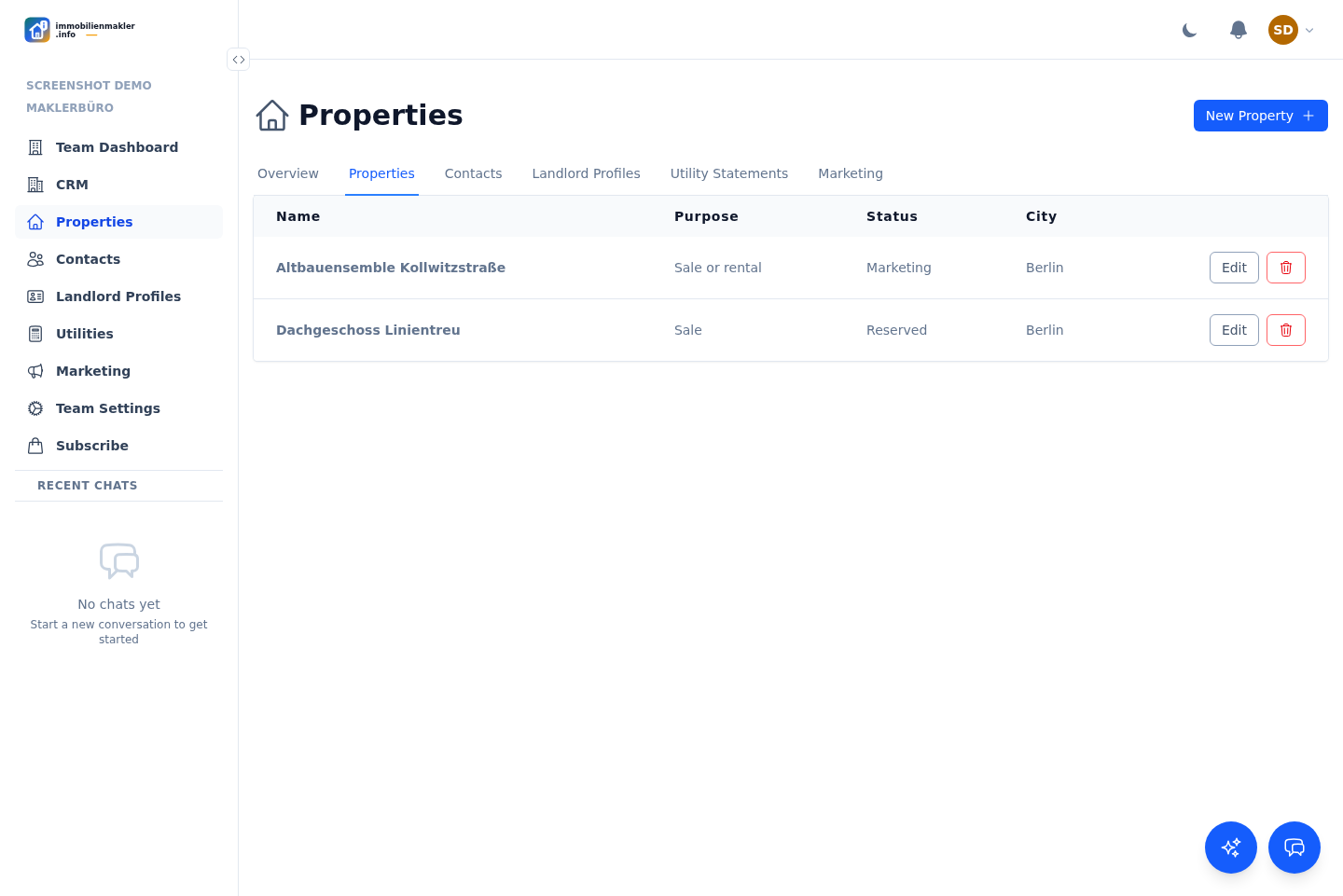
The free start does not begin with sample graphics, but with properties, contacts, and concrete workflows.
1. Add portfolio data
Sort contacts and properties cleanly
Create owners, prospects, properties and units and check whether the structure works for your office.
2. Test processes
Run through marketing and viewings
Work with mandates, listings, inquiries, viewings and calendar sync before replacing old lists.
3. Expand the team
If it fits, the organization grows
Start small. When several people need to work together, organization, roles and further features become more important.
What makes free testing useful
In brokerage software, the interface is only one part. What matters is whether data lives where decisions, appointments and tasks later happen.
You quickly see whether property files, contacts, landlord profiles and team structure fit your working style.
You can evaluate calculators, marketing, calendar and utility-cost areas calmly without starting a large migration project immediately.
You get a realistic sense of which processes your office actually needs and which only look good in sales material.
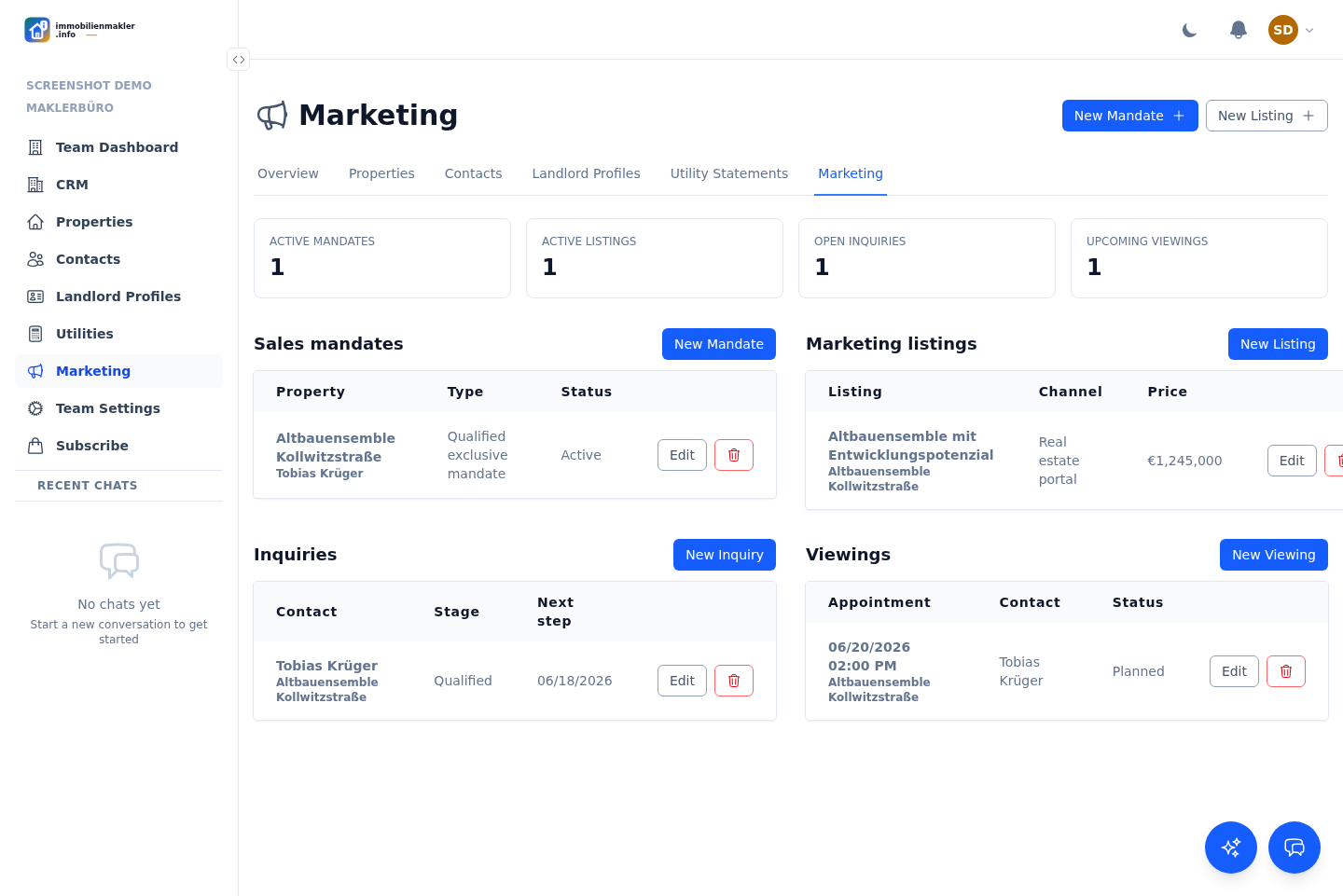
Free does not mean arbitrary
The free entry point exists so you can evaluate the platform properly. Paid plans may make sense later for larger teams, heavier usage and additional work areas. No tricks, no artificial sales talk. Test first, then decide.
Questions about the free start
The key points before a brokerage seriously tests new software.
Is the free real estate brokerage software intended for real data?
You can test the structure realistically. As with any business software, clarify which data you import and which internal privacy rules apply before production use.
Do I have to change my whole office immediately?
No. It makes sense to start small with a few properties, contacts and cases. Then you can see whether the workflow holds up.
What happens if my team needs more later?
Then usage can be expanded to organizations, teams, marketing, calendars, utility-cost accounting and further processes.
Start now without an implementation project
Create the first contacts and properties. After that, you will quickly see whether the software fits your office.